Getting-paid guides · 08
The client says they paid, but nothing has arrivedCommon reasons a payment is delayed or bounced, plus how to trace it step by step and who to ask.
The client sends a quick "already paid," you refresh your account, and the balance hasn't budged. The doubt creeps in: did they never really pay, did it bounce, or is it just slow? Don't rush to have the client pay again; that can easily create a double payment that's harder to claw back later. Money that hasn't arrived is in one of three places: still in transit, on its way back to the client, or never sent at all, and each is checked in a different order, with different people.
On this page
- First: don't have the client re-send yet
- Common reasons for a delay or a bounce
- A step-by-step trace
- Check the status, channel by channel
- Bank wires: what happens while a correspondent bank has your money
- Where a returned payment goes, how long it takes, who loses what
- What a platform means by "processing"
- Who to contact, and in what order
- Beware of "support" that reaches out to you first
- When the money's late, don't trust these
- FAQ
- What to read next
01First: don't have the client re-send yet
When the money hasn't arrived, the worst move is to hurriedly ask the client to "pay it again." If that first payment is actually in transit, paying twice creates a double payment, and then you're in for another round of refund hassle. The right order is: first work out what actually happened to the first payment, then decide whether to redo it.
02Common reasons for a delay or a bounce
Separate the two cases first, because they call for opposite responses. A delay means the money is still in transit, just slower than you expected, and most of the time it lands. A bounce means it never entered your account at all: it was rejected and returned to the sender, so waiting changes nothing and the client has to send it again with corrected details. Telling them apart is easy: have the client open their own payment record and read the status on that transfer. "Processing" or "pending" is usually a delay; "returned" or "failed" means it bounced.
- The platform is running a compliance or risk review, and the funds are on hold.
- The payee name, account number or currency doesn't match what you gave, so it bounced.
- A cross-border bank transfer went through an intermediary bank and took a few extra days.
- USDT was sent on the wrong chain or to the wrong address (the trickiest case, see guide 4).
- It hit a per-transaction or daily limit and got blocked.
If it turns out the client never paid and the due date has passed, you are now chasing an overdue invoice; that guide covers the order and the wording.
03A step-by-step trace
- Ask the client for proof of payment: a transaction ID, a screenshot, the time it was debited, not just a "paid it."
- Check that the account details the client paid into match what you gave them.
- Confirm the channel and currency; for USDT, confirm the chain too.
- Look up the normal arrival time for that channel, so you can tell a real delay from "it's just not due yet."
For a bank wire, proof means the transfer confirmation the bank itself produces, often called the SWIFT copy or MT103. It shows the amount and value date, the sender's and beneficiary's names and accounts, who carries the charges (field 71A: OUR, SHA or BEN), and on newer transfers a 36-character tracking reference called the UETR. A screenshot of an online-banking screen shows none of that, so ask for the document itself.
04Check the status, channel by channel
- USDT: drop the client's
TXIDinto a block explorer and see where it actually went, which address, which chain, and whether it's confirmed. - Platforms (PayPal / Wise / Payoneer): log in and read the transaction record and status notes; a lot of "didn't arrive" is really "under review." Section 7 covers what they are usually waiting for.
- Bank wire: get the transfer confirmation described above and give the UETR, or the document itself, to your receiving bank; most banks can see whether the money has reached their correspondent and where it has stopped.
05Bank wires: what happens while a correspondent bank has your money
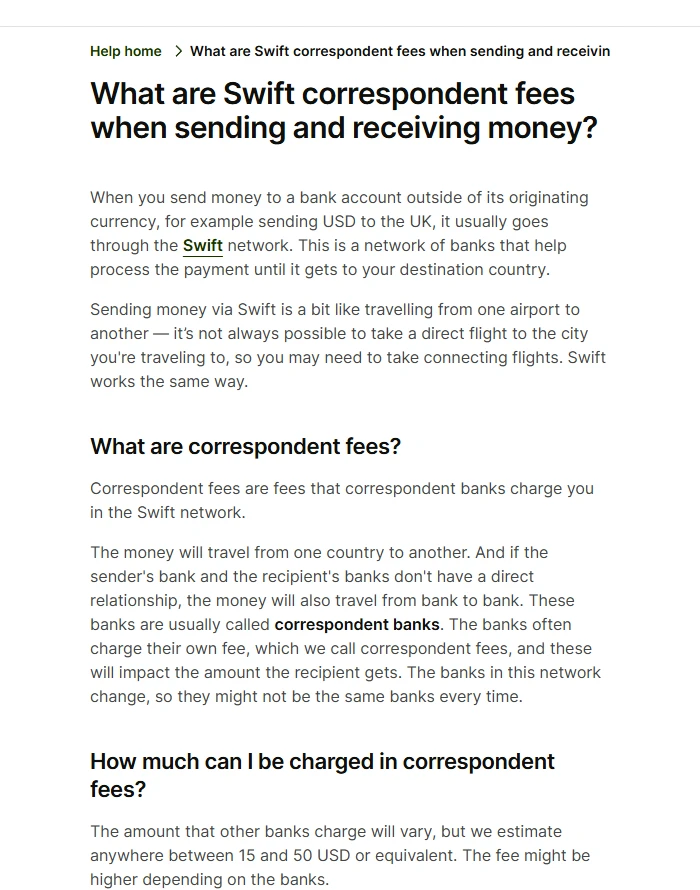
A bank transfer that crosses currencies usually travels over the SWIFT network. If the client's bank and yours have no direct account relationship, the money passes through one or two correspondent banks (also called intermediary banks) on the way, and each hop can add a day and take a fee. Wise's help centre puts that correspondent fee at roughly 15 to 50 USD or equivalent per payment, and more with some banks.
Who pays depends on the charge option the client picked when sending, and field 71A on the confirmation spells it out:
OUR: the sender pays all charges, so in principle the full amount arrives, though the odd correspondent bank still takes a little.SHA: shared. The sender pays their own bank's fee, and correspondent fees come out of the amount. Most online banking defaults to this.BEN: the beneficiary pays everything, including the sending bank's fee, all deducted from the amount.
Put a number on it. The client wires 2,000 USD with SHA, one correspondent bank takes 25 USD, your bank charges an incoming-wire fee, and what lands is somewhere in the 1,900s. Nobody underpaid and nothing bounced; each bank in the chain took a slice. On the next invoice to a US or European client you can ask for OUR in writing ("please send with charges OUR"), or build the expected loss into the price, as in the pricing guide.
The slow end usually has one of a few causes: the transfer went in after a bank's daily cut-off or on a public holiday at either end; the time zones mean their afternoon is already your next morning; or a correspondent bank pulled the payment aside for a compliance check. Two or three business days in transit is common. If five business days pass with nothing, take the confirmation to your receiving bank and ask them to trace the UETR; most banks can see which stop the money is sitting at.
06Where a returned payment goes, how long it takes, who loses what
A rejected wire does not vanish. It retraces its route: your bank sends it back to the correspondent, which sends it back to the client's bank. Every stop on the way back can take a fee too, and if the money changed currency on the way in, it gets converted back at that day's rate. So the refund the client finally sees is often smaller than what they sent, and a week or two, or longer, for the round trip is not unusual.
The reasons for a rejection are much more specific than the reasons for a delay:
- The beneficiary name does not match: given name and surname swapped, a missing space, or a company account paid under your personal name.
- A digit off in the account number, IBAN or SWIFT code, or an account at your bank that does not take foreign currency.
- The account itself is the problem: dormant and frozen, closed, or unable to receive that currency.
- Your bank asked what the payment was for and wanted a contract or invoice, and the request went unanswered. In some countries, India among them, the receiving bank also needs a purpose code before it will credit a foreign payment.
Once it has bounced, go in this order. Have the client get the return notice from their bank, which states the reason. Fix your payment details against that reason, send them again, and check them yourself before you do (guide 7 has the checks). Only when the refund is back in the client's account should they send the payment again. Agree at the time who absorbs the lost fees: if your details were wrong, that is usually on you; if the client mistyped them, it is on them.
07What a platform means by "processing"
When money has reached Wise, Payoneer, PayPal or a similar platform and still is not usable, a slow system is rarely the cause. The platform is usually waiting for something. Look in three places: the inbox of your sign-up email (spam folder included), the notifications or to-do list in the app, and any banner across the top of your account page on the web. The usual requests are:
- Where the payment came from: who the client is and what the project was, with a contract, invoice or email thread attached. A new account's first large payment, or an amount well above your normal, draws this most often.
- Finishing identity or address verification. An unverified account can often receive money but not send it anywhere.
- A tax form, when the payer is a US platform or client. Without a W-8BEN on file the first payment can sit at pending indefinitely; the W-8BEN guide walks through it.
- A PayPal hold or account limitation, which works differently from all of the above and has its own guide.
Send everything they ask for in one go, then wait for the reply instead of submitting the same thing again the same day.
08Who to contact, and in what order
The order matters: first check it yourself (transaction record, block explorer), then ask the client for proof, and only then reach the platform's official entry / official support channel. When you do reach out, always go in through the platform's official entry, with the transaction ID, time and amount ready, so you can explain it once and clearly. Don't go hunting for "support" on social media first; that's exactly where scammers like to lie in wait.
09Beware of "support" that reaches out to you first
While you're anxious about money that hasn't arrived, if some "support" agent messages you out of the blue, says they can help "unfreeze / fast-track" your payment, and asks you for a password, code, or private key, or pushes you to click a link and log in, stop right there, it's a scam. Legitimate support only reaches you through the platform's official entry, and never privately asks you for any of that.
10When the money's late, don't trust these
Money hasn't arrived, so having the client pay again is fastest.
If the first payment is in transit, paying again means a double payment and a messier refund. Trace the first one first, then decide.
They sent a payment screenshot, so the money must be on its way.
A screenshot can be faked or match a failed transaction. Go by what actually lands in your account, or the on-chain record in a block explorer.
11FAQ
What does it mean when a payment bounces?
It means the money never reached your account and was returned to the sender instead. The usual causes are a payee name or account number that doesn't match, a currency the receiving side doesn't support, or a risk check. A bounced payment won't arrive on its own, so fix the details first and then have the client send it again.
The platform says the client paid but nothing has landed. Is that normal?
Check the normal arrival window for that channel first: on-chain transfers are usually minutes, while platforms and banks can take one to three days or longer, and a cross-border transfer routed through an intermediary bank is slower still. Inside that window, wait. Past it, work through the trace in section 3, from the client's payment record to your own account record to the platform's status.
How long is "too long" before something's wrong?
It depends on the channel. USDT is usually minutes; platforms and banks can take 1 to 3 days or longer. Confirm the normal time for that channel first, then judge.
USDT went on the wrong chain, can I get it back?
It's very hard; on-chain transfers are irreversible. Check the TXID right away to confirm where it actually went; whether it can be recovered depends on the specifics, and don't trust anyone who claims they'll "recover it for a fee."
The wire arrived a few dozen dollars short. Did the client underpay?
Probably not. A wire that crosses currencies passes through correspondent banks, and each can take a fee; Wise estimates 15 to 50 USD or equivalent per payment. Ask the client for the transfer confirmation and read field 71A: OUR, SHA or BEN tells you who was meant to pay the charges.
How long does a returned payment take to reach the client again?
The refund retraces the original route, so a week or two, or longer, is common, and it can be charged again and converted back on the way. That is why the amount returned is often less than what was sent. Have the client resend only once the refund has actually landed.
12What to read next
Fees, rules and regional availability are whatever each official page shows in real time.